
MeetingPackage now supports event sales scenarios more thoroughly by expanding Custom Seating, ensuring layouts and capacities flow more consistently across UI, APIs, and proposals. This helps ensure meeting rooms can be sold and booked based on how the space is actually used in different setups.
💡 NOTE: This feature is especially handy for stronger integration-layer support in mapping the booking paths between MeetingPackage and your operational software.
How to get it?
Contact your customer success manager to enable this feature for your organisation. After, when you edit your venue profile, go to rooms tab, and click edit seating order and you will be redirected to custom seating style page.
Optionally, you can navigate to Settings and then click Seating order.
How it works?
You can edit seating style max capacity per room per venue by clicking the Edit text link on the right side of the screen on each venue line. The Custom seating order index page you can add your own seating order y clicking the + -icon.
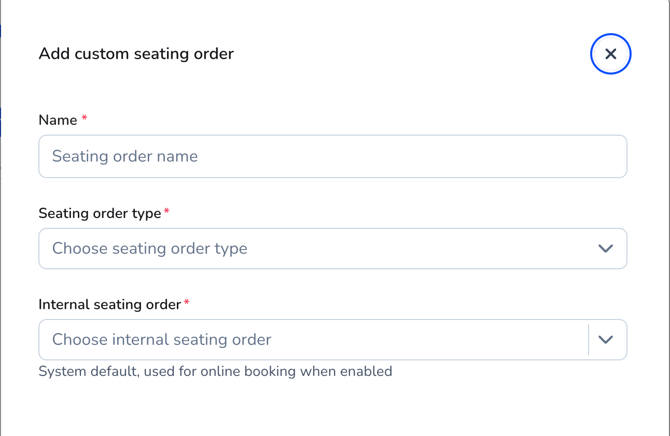
After naming your seating order and selecting the most suitable internal value from the dropdown menu click save. The internal value is not used anywhere except internally enabling your custom seating order to function normally. Now you can utilise your custom seating order anywhere.